Sedam Staging vs Apply Design
Sedam guides you from a photo to a change and a style. Apply Design offers both automatic staging and a drag-and-drop furniture editor. The right choice depends on how much control you want over each item.
Try 3 images free How we check photos3 free images total. No card · no monthly reset · listing images keep their label.
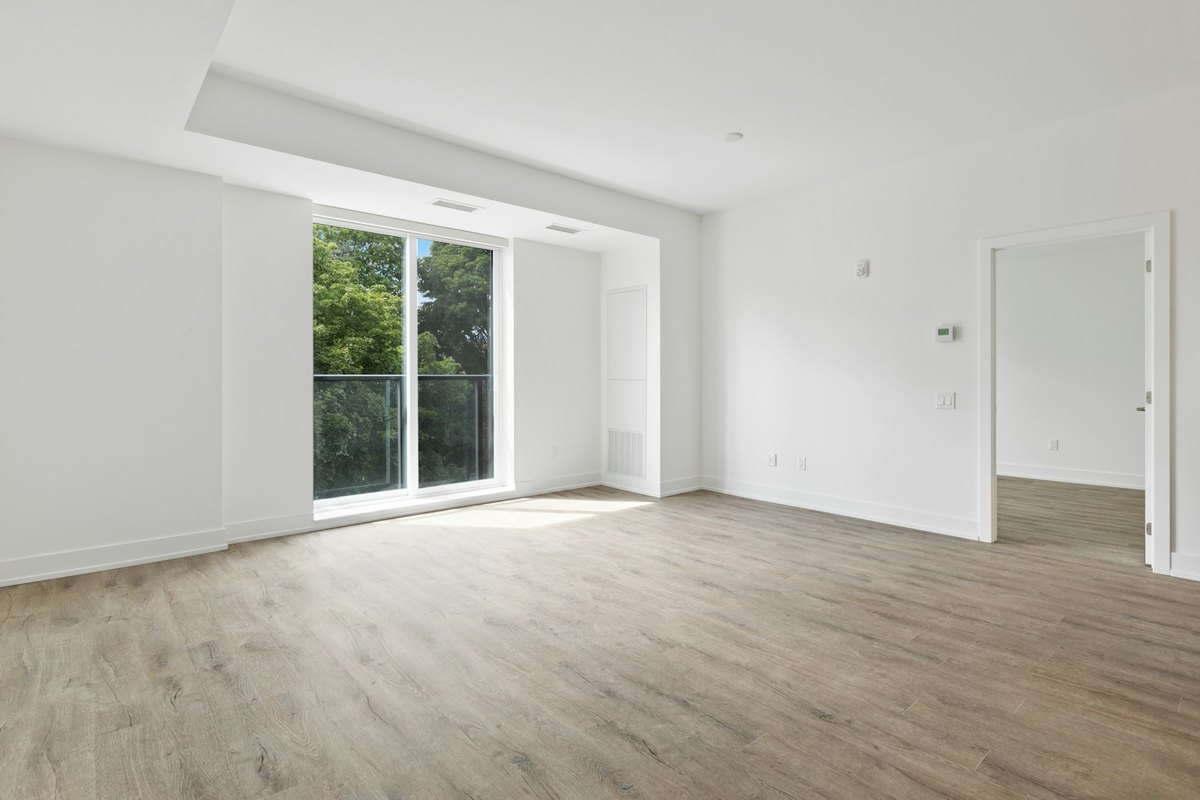
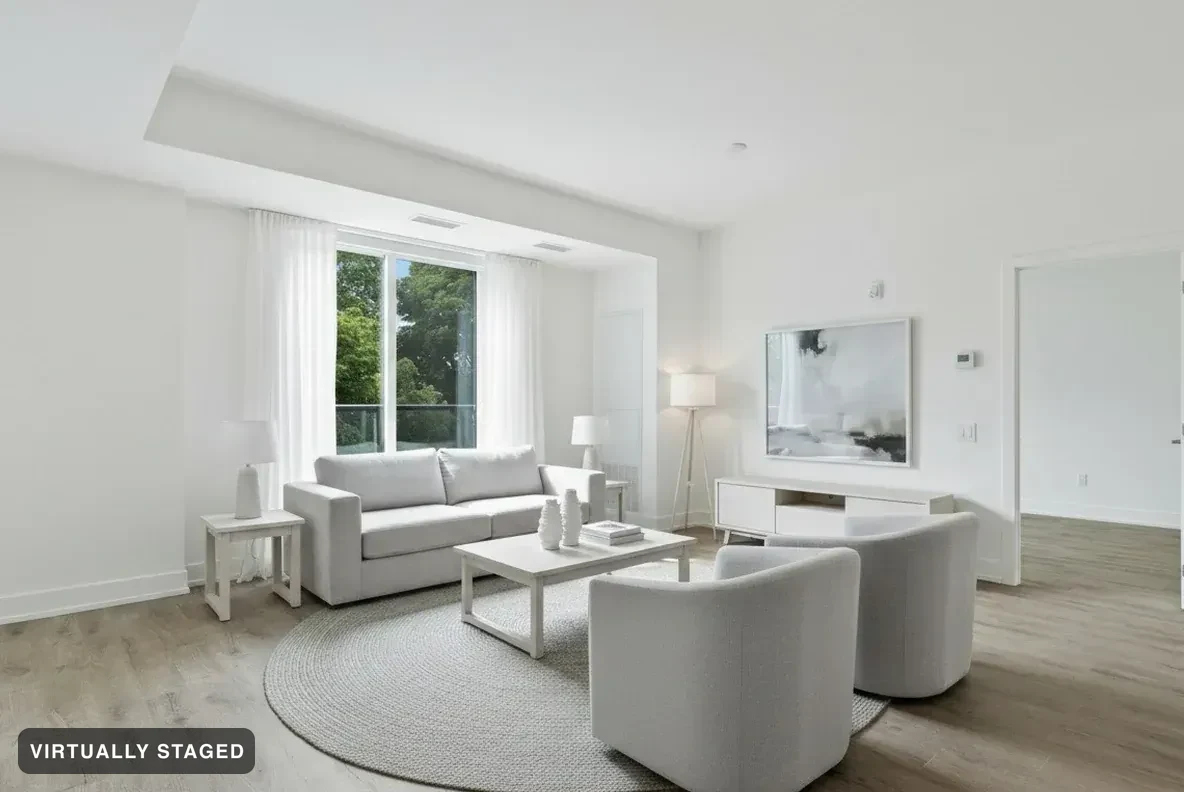 OriginalNordic Light · verified
By Sedam Intelligence, maker of Sedam Staging. Sources checked 24 September 2026. This is our own comparison, not an independent review. We reviewed the other product’s public pages; we have not tested its paid tools. Features and prices can change.
Why choose Sedam when you do not want to place every item?
Choose Sedam for a guided photo-to-style flow with checks before results are shown. You can try a look without arranging furniture item by item. Eligible plans also let clients try their own looks from a property link. Apply Design offers automatic staging too; our reason to choose Sedam is the combined checking and client workflow, not an exclusive claim about automation.
Which workflow fits you?
Try Sedam if you want to explore a room style without placing every item yourself, or send a property link so a client can try looks. Consider Apply Design if you want to arrange furniture by hand. Sedam does not offer a drag-and-drop furniture catalogue.
| What matters | Sedam Staging | Apply Design |
|---|---|---|
| How you work | Choose the photo, change and style. Add notes if needed. | Automatic staging or a DIY drag-and-drop editor. |
| Free start | 3 images total, no card and no monthly reset. | Advertises a first free image. |
| Usage model | Image allowances by plan. See current plans below. | Coins: 1 for a DIY 2D image; 1.5 for an automatic 2D image. |
| Revisions | Creating another result uses the relevant image allowance. | Lists unlimited revisions with its staging options. |
What do Apply Design’s coins cost?
Its official pricing page lists US$10 per coin for up to 9 coins, US$8 for 10–19, and US$7 for 20 or more. At 1.5 coins, one automatic 2D image works out to US$15, US$12 or US$10.50, depending on the coin tier. These are calculated image costs, not the total price of a coin purchase. Check checkout for current terms.
For Sedam, see current plans and billing periods. Compare the total you would pay for your project, including extra styles. We have not run a side-by-side speed or image-quality test, so this page does not rank either product on those measures.
How to compare results fairly
Use the same room photo and ask for the same change in each tool. Keep the original beside the result. Check doors, windows, room edges and fixed fittings. Then look at furniture size, clear walking space and the style you asked for. One good sample does not prove that every result will work.
Sedam’s decorating tools check results against the original and the change you asked for. Failed checks lead to a retry or a visible failure. Review both photos yourself too. Room Check is not a promise that a listing meets every local rule.
For your own ideas or a property listing?
You can use Sedam to picture a home you are considering, plan a move or refresh a room. Listing images keep a virtual staging label and the original photo. Private designs cannot be shared through buyer listing pages. Renovation ideas are separate and cannot be used as listing photos.
Compare the result on your own photo
Features and terms can change. Check the official Apply Design site and review the photos each tool makes. Our public-page review does not establish how another company checks images internally. See examples Room Check refused →