For property managers

Prepare photos for your next rental

Clear loose furniture from a room photo or add furniture to an empty room. Keep your original and each finished version together in My designs.

Try it on a unit — free See how we check images

Try 3 images free. No card needed · each result checked · original kept.
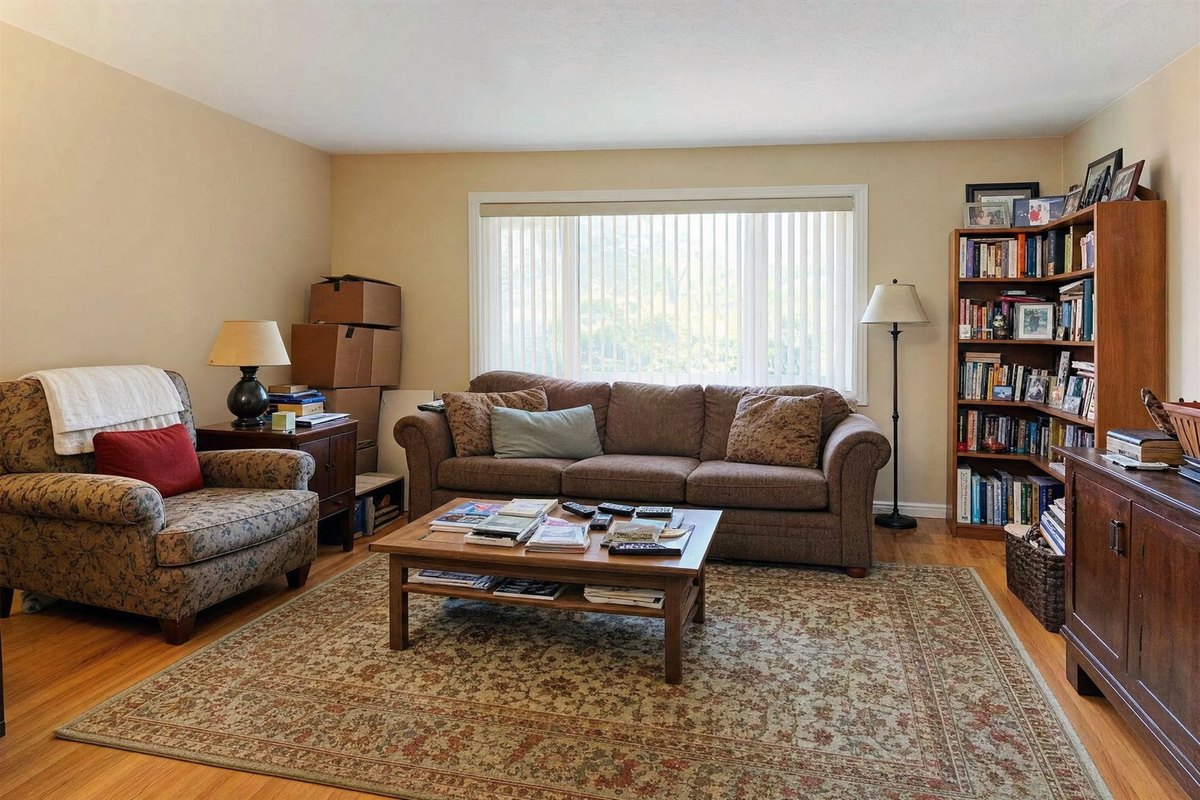
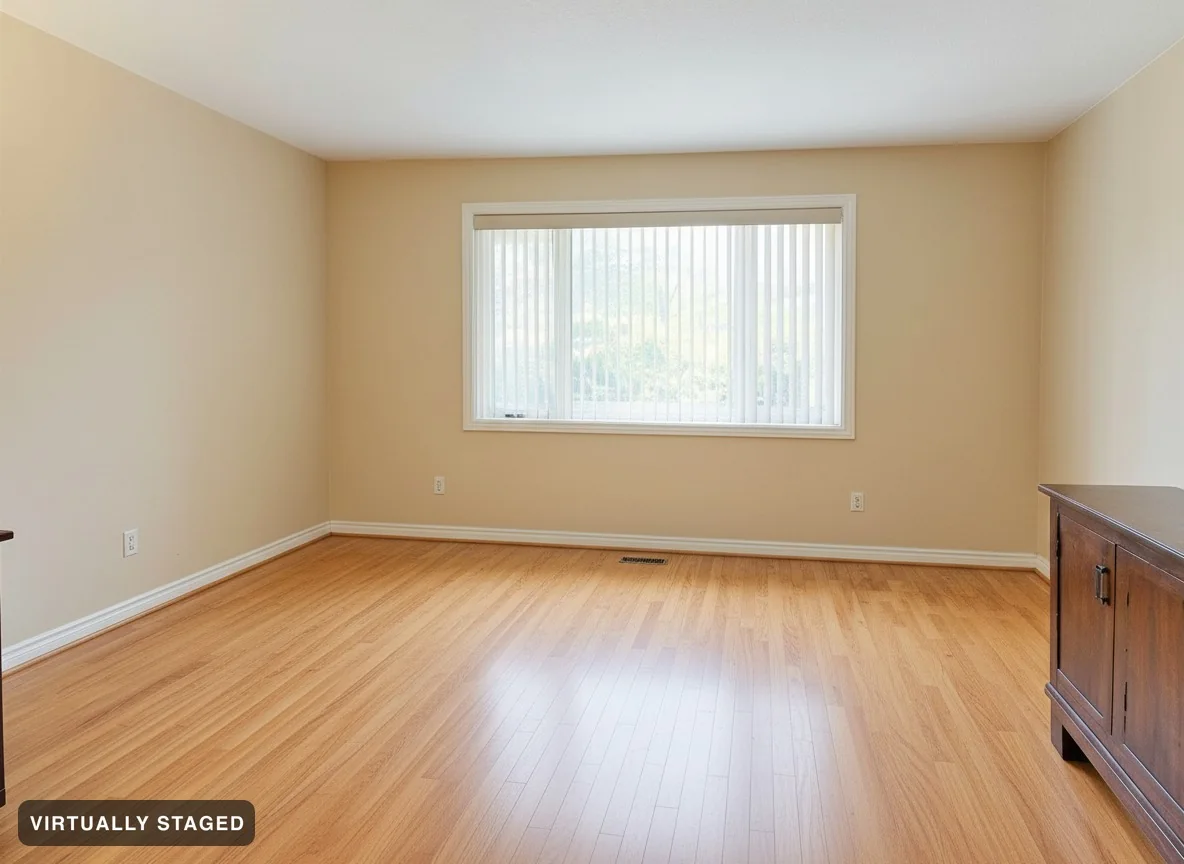
A furnished living room exactly as photographed The same room with movable furniture removed — built-ins intact OriginalFurniture removed

Get your rental photos ready

Empty a room in one pass

Remove loose furniture, rugs and personal items. The check looks for changes to counters, shelves and built-in appliances.

Add furniture to empty rooms

Choose a style to show how an empty rental could look furnished.

Keep every version

Keep the original and each finished version together in My designs.

Every result gets checked

We compare each result with your original. If the check fails, we retry or stop the image. Review both photos yourself too. See three failed examples →

Try it on a unit — free

Questions

Will it remove the built-in appliances or counters?

The tool is told to keep built-in features. Room Check looks for missing counters, islands and fixed shelves. Review the result yourself too.

What does the image check do?

Room Check compares the result with your original. We retry failed checks and stop images that still fail. Review both photos yourself before use.

What does it cost?

Try 3 images free, with no card. The free allowance does not reset.

Pro subscriptions include 100 images per month: $49/month or $348/year ($29/month, annual plan).

For one property, pay $19 once for up to 20 photos in one style, originals and high-resolution images. Prices are CAD in Canada and USD elsewhere. See Pricing for full details.