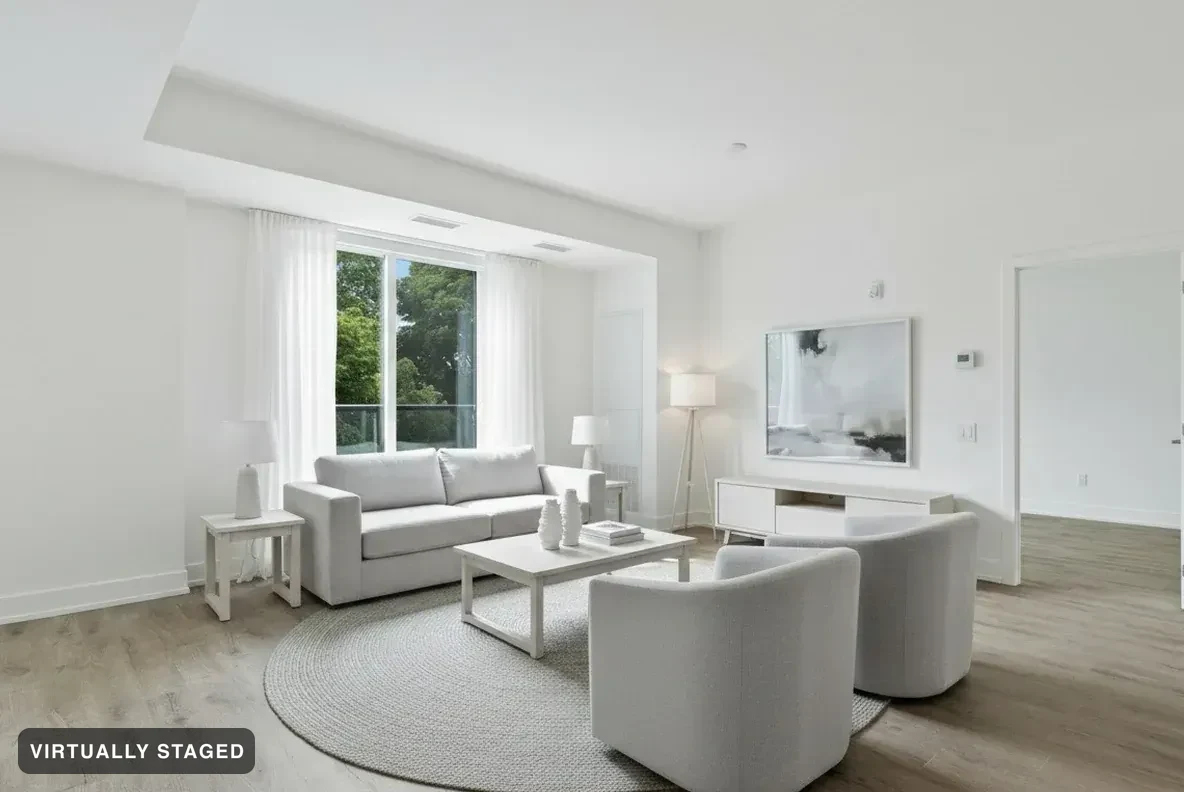
Start with a room photo you have permission to use. Try a furnished look and compare the result. Room Check looks for changes to the original room before sharing. These images help discuss a direction; they are not measured drawings or a list of real products.
Try 3 images free See failed examples3 free images total. No card · no monthly reset · review the result beside your original.
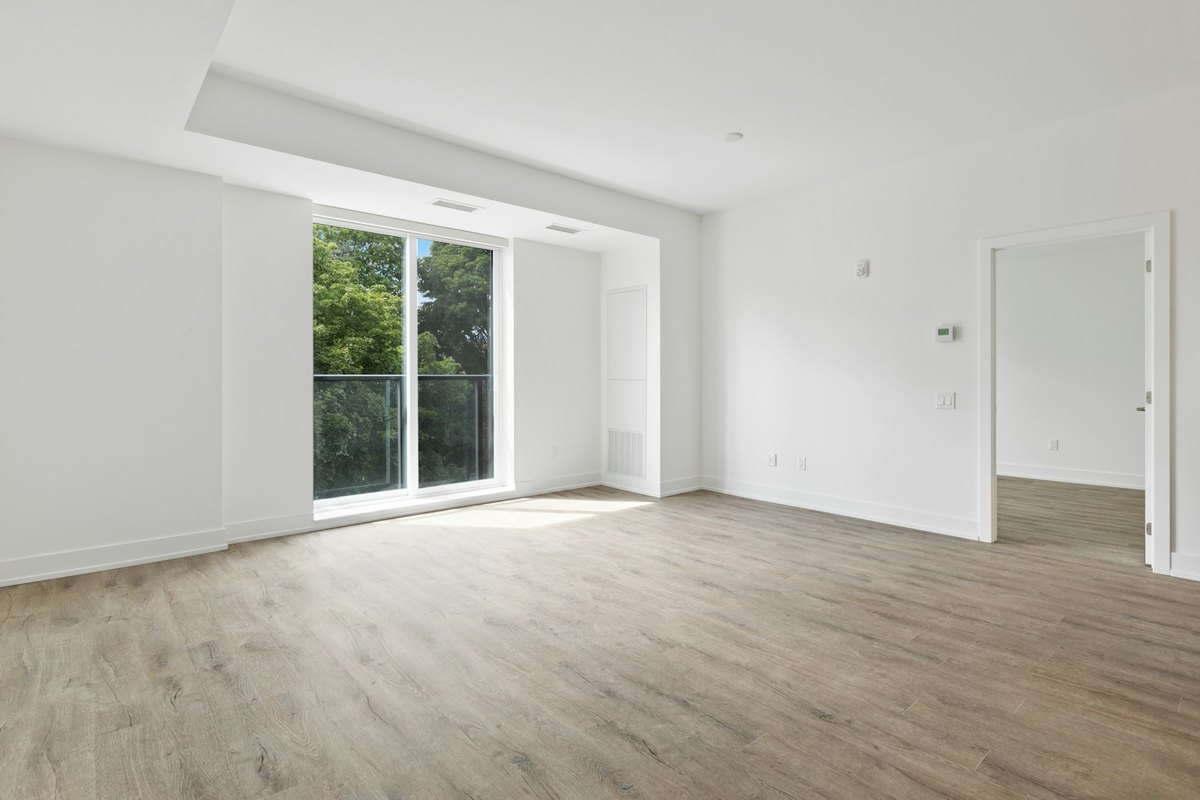
The real roomNordic Light · verified
Choose a style for the room. Each generated photo and look counts as one image.
Room Check looks for changes to walls, windows, floors and fixed parts of the room. We retry failed checks. If the result still fails, we do not share it. Check both photos yourself too.
Download high-resolution images for your client presentation. Show the original beside the new look so your client can compare them.
Compare the original and staged photo before discussing the idea with a client.
Renovation Concepts can show changes to structure. They carry a RENOVATION CONCEPT label and cannot be used on buyer pages or in property photo files.
Furniture is generated for the image. Confirm measurements, materials and product choices with your own plans and suppliers.
Room Check compares the original and result before sharing. When it detects a changed part of the room, that result is refused. The report explains recorded checks and refusals. See examples →
Room Check looks for changes to walls, windows, floors and fixed parts of the room. We retry failed checks. If the result still fails, we do not share it. Check both photos yourself too.
Yes. Download your images on a paid plan and use them in your client presentation. Keep renovation concepts separate from property-listing photos.
No. Use the image to discuss a style. Confirm sizes, products and materials before you buy or build.
Try 3 images free, with no card. They include Sedam branding and the staging label. The allowance does not reset. High-resolution downloads need a paid plan or a one-property purchase.