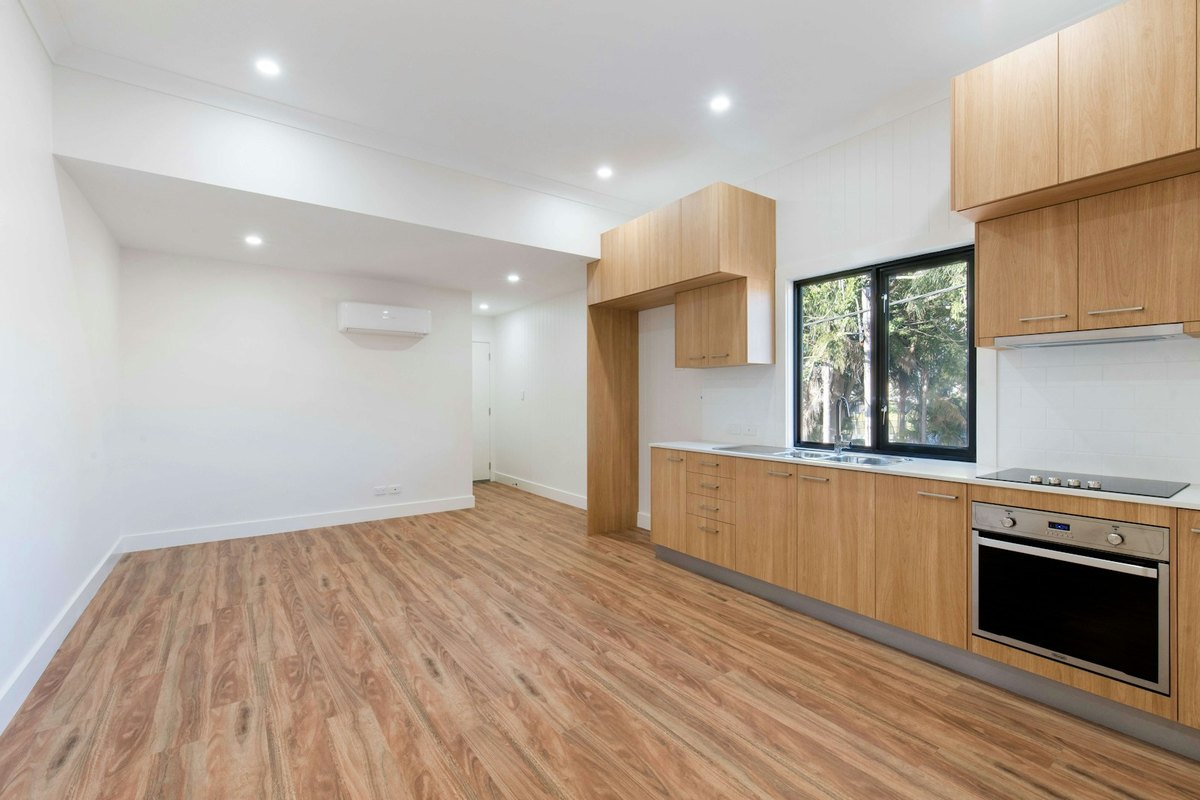
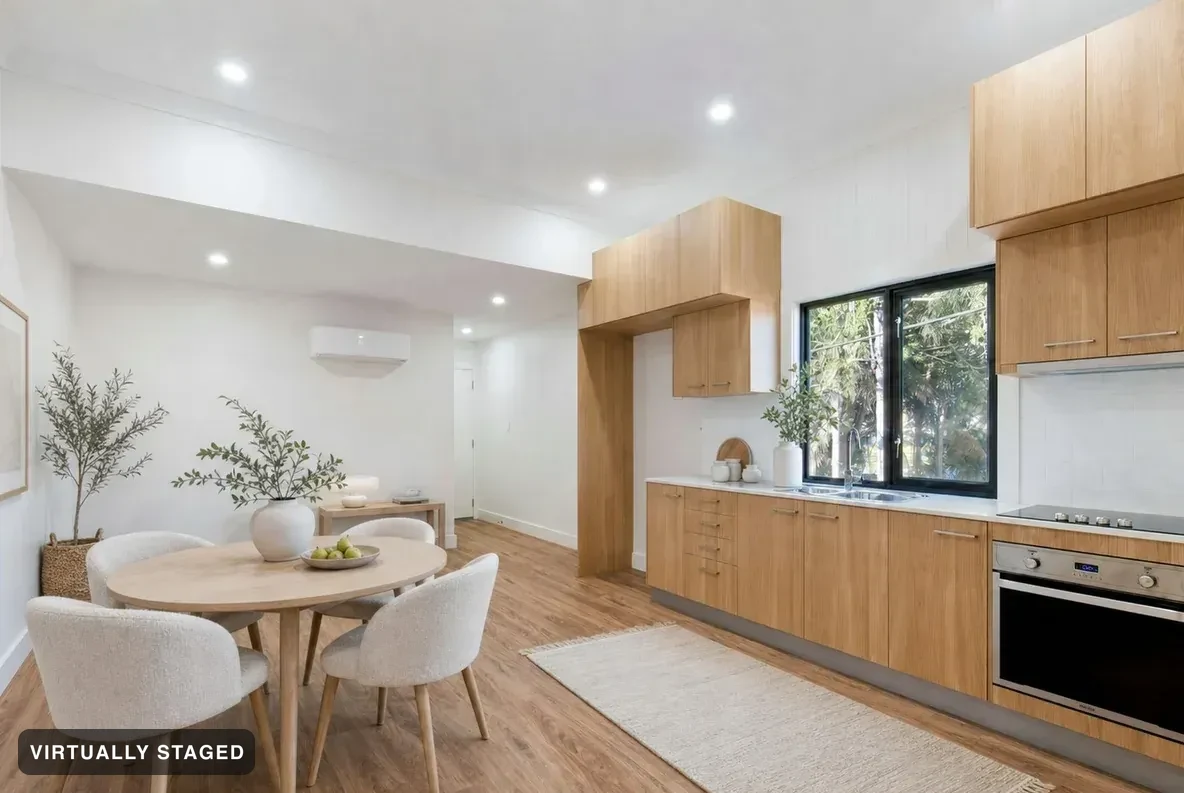
Most AI tools treat a kitchen as a renovation opportunity. Sedam Staging treats cabinets, counters, islands and appliances as what they are — built-ins the buyer is purchasing. It adds the dining table, the stools and the counter styling, and leaves the kitchen itself exactly as photographed.
Stage a kitchen — free See what we catchFree to try. No card · every render checked against your photo · the label is burnt in.
OriginalNordic Light · virtually staged
They are fixed finishes under the preservation rule every render is measured against. New cabinet fronts or a different countertop is a failed render, not a feature.
Dining table and chairs, stools, pendant styling, plants, bowls and counter objects — the movable things that make the space read as a home.
Then it’s a renovation concept, labelled as one, with a list of what changed — and blocked from your listing.
Every render is compared against the original photograph before it publishes. Walls, windows, floors and built-ins must survive, or the render is thrown away and re-run. On a real Halifax listing it caught a deleted staircase and an erased reception desk. See the three we refused →
Not in staging — those are built-ins, and a render that changes them fails the check. Renovation Concepts mode can, and it labels the result RENOVATION CONCEPT, inventories every change, and is blocked from buyer pages and listing downloads.
Yes, when the image is labelled and the architecture isn’t altered — which is how Sedam Staging works. Every photo carries a “Virtually staged” label burnt into the file, the original is kept beside it, and walls, windows, floors and built-ins are never changed. You also get a paste-ready remarks line for your board.
Your first property is free — every room staged in your chosen style, watermarked, no card. One listing with clean full-resolution files is $19 CAD, no subscription. Pro is $29 CAD/month at the founding price (about US$21; it becomes $49) for five listings a month with every room in all six styles, or $199 CAD/year.