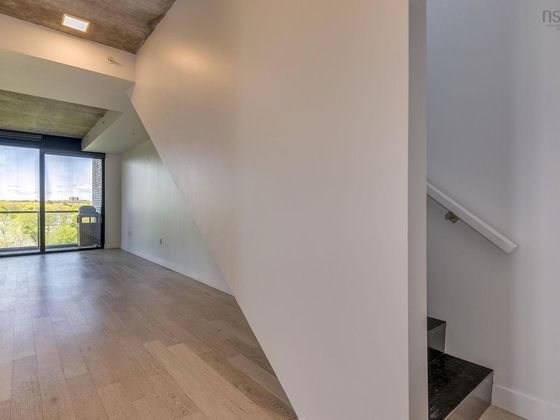
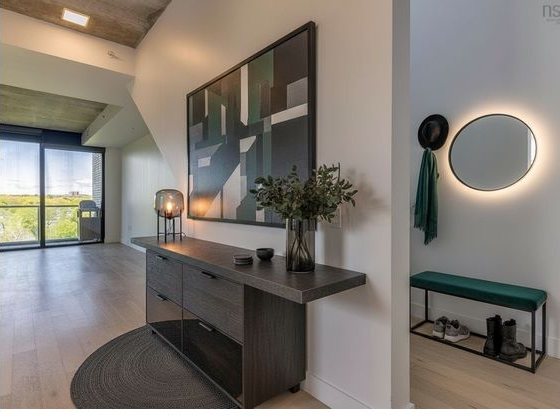
Room design and virtual staging

See a space
in your style.

Buying a home, moving or redecorating? Add a photo and try different looks. You can also design a business space or stage a property listing. Room Check compares each result with your original. Review both photos before you use it.

Try 3 images free. No card. 3 images total, no monthly reset · Pro subscriptions $29/mo · Cancel anytime
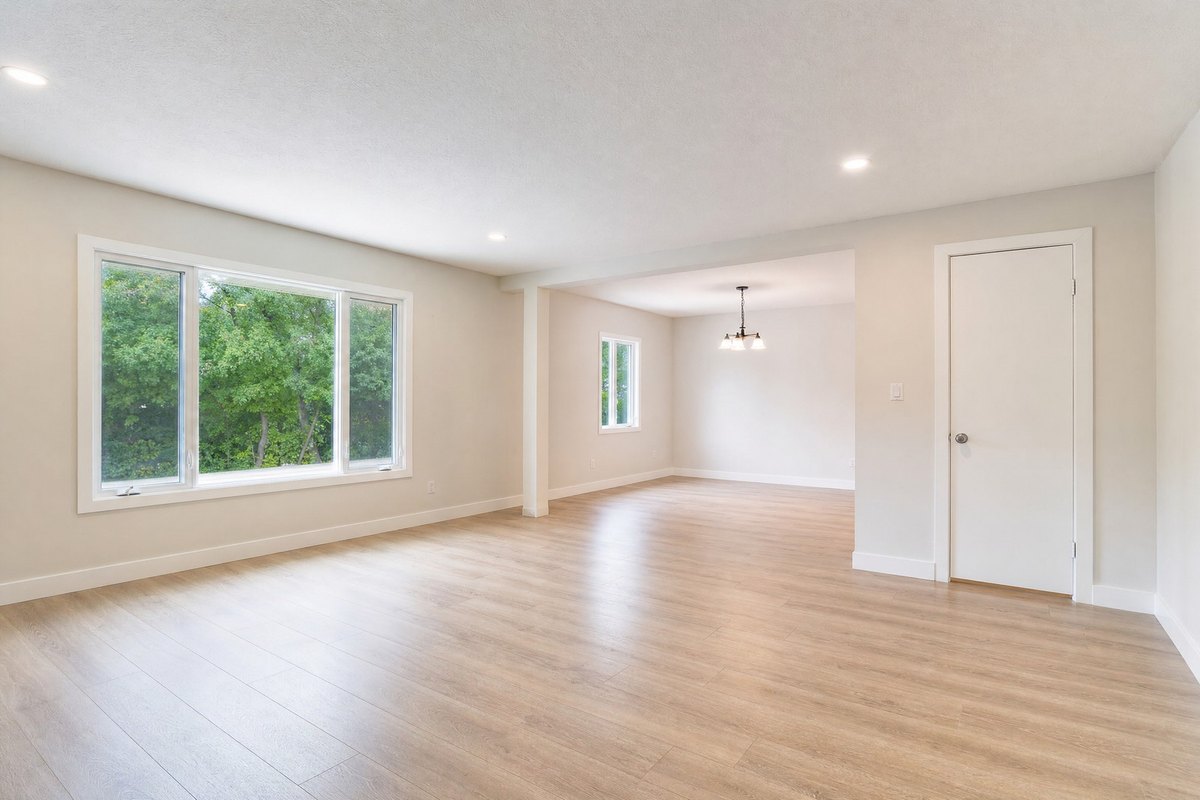
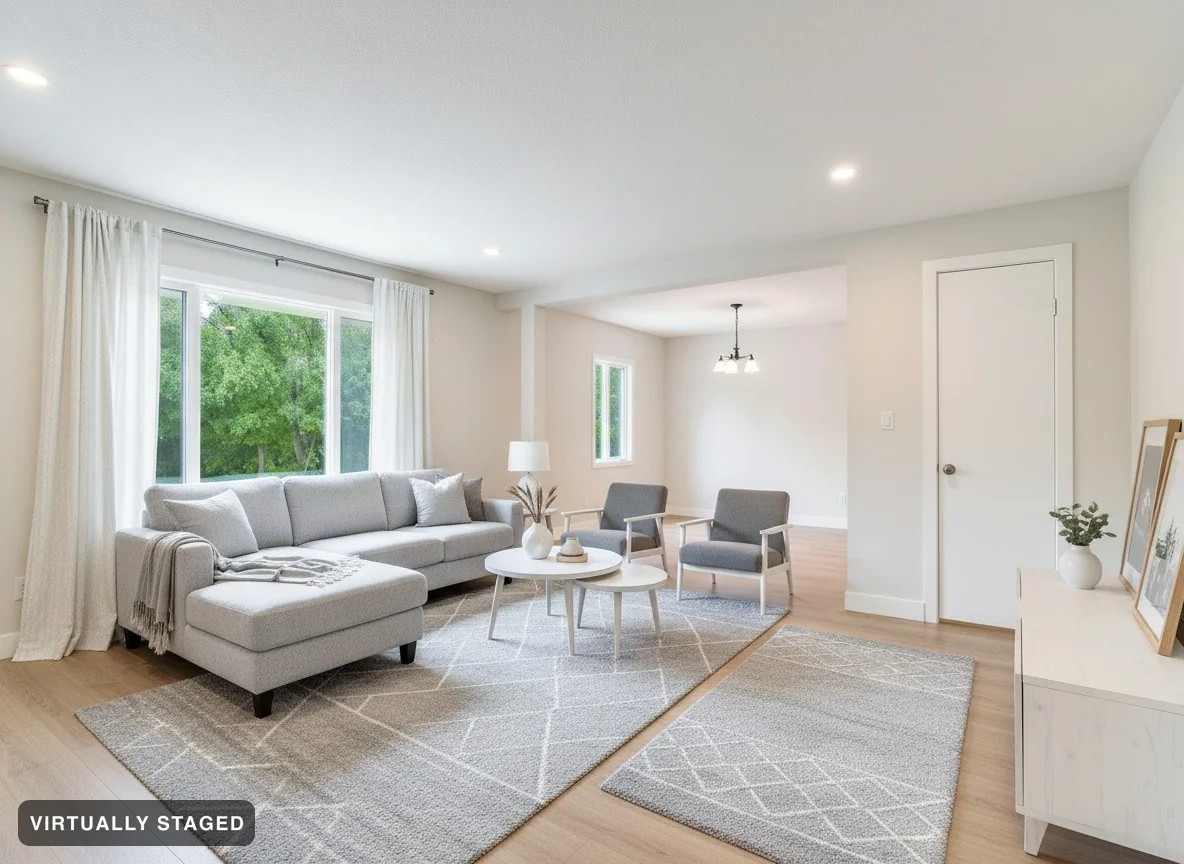
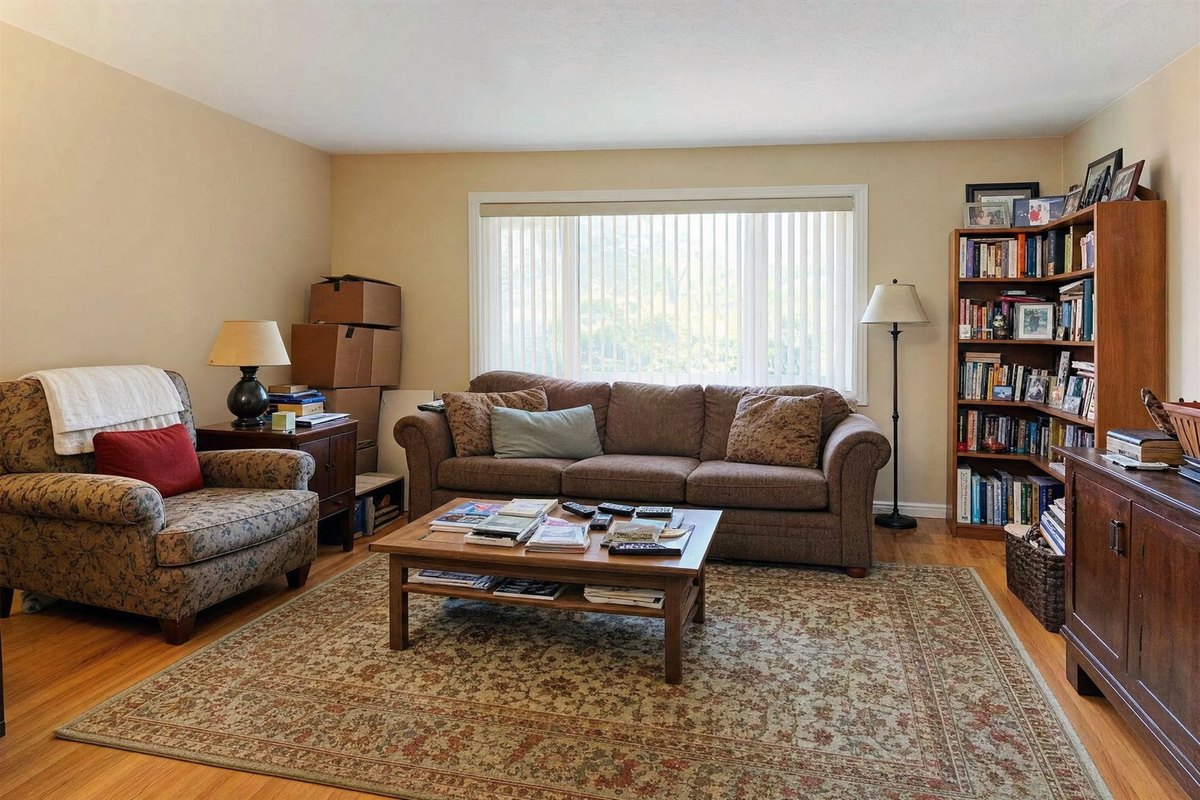
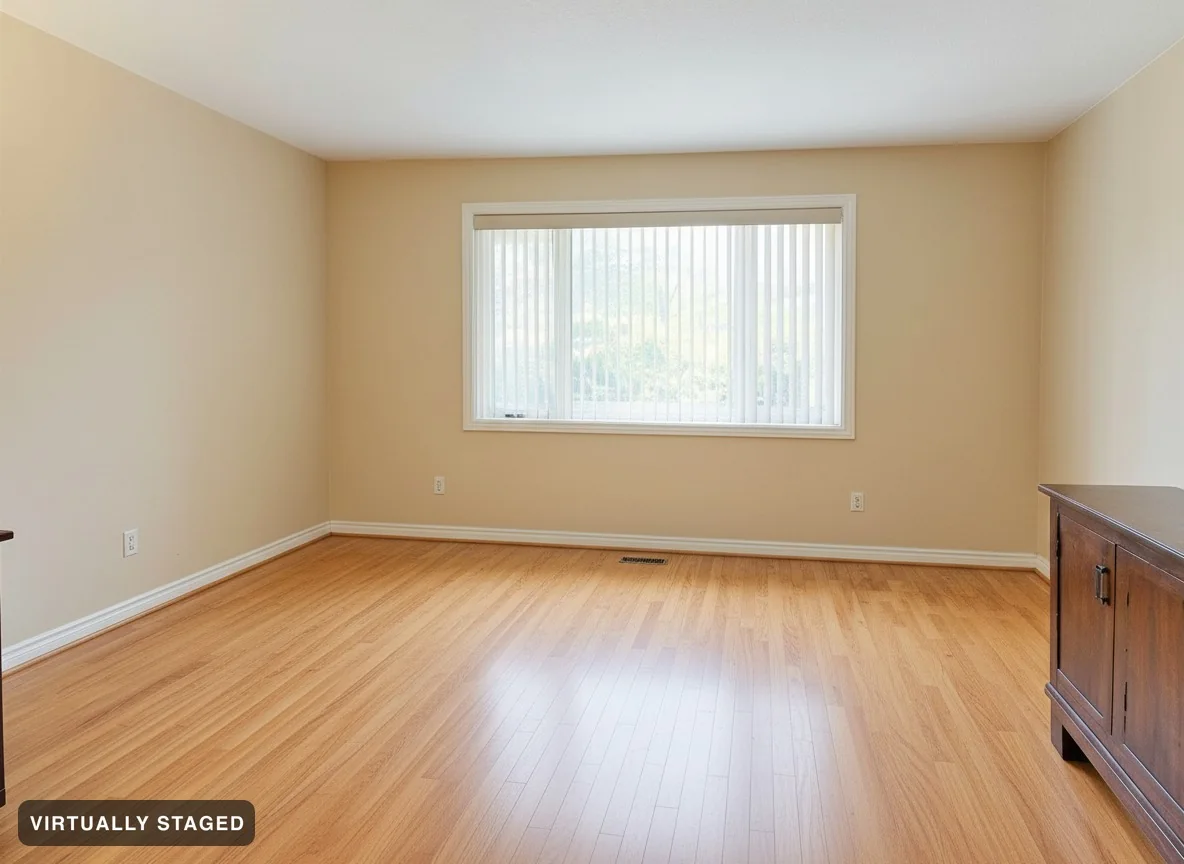
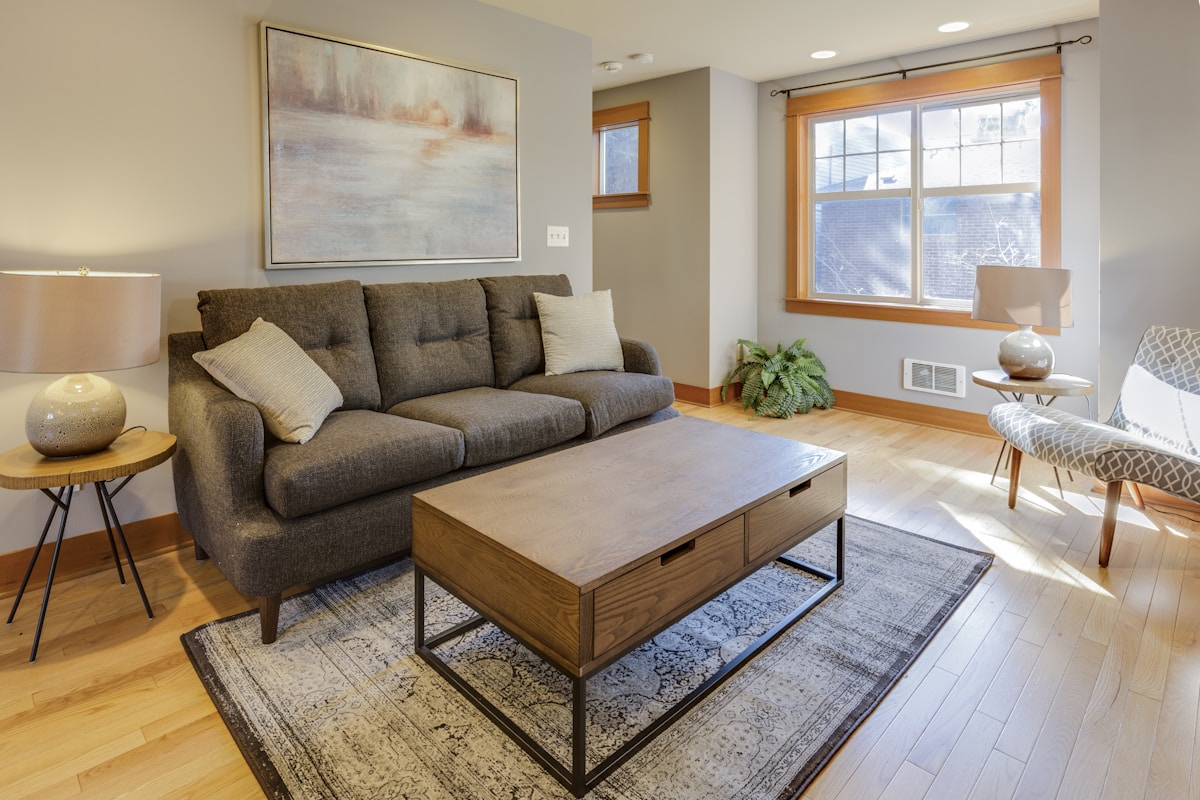
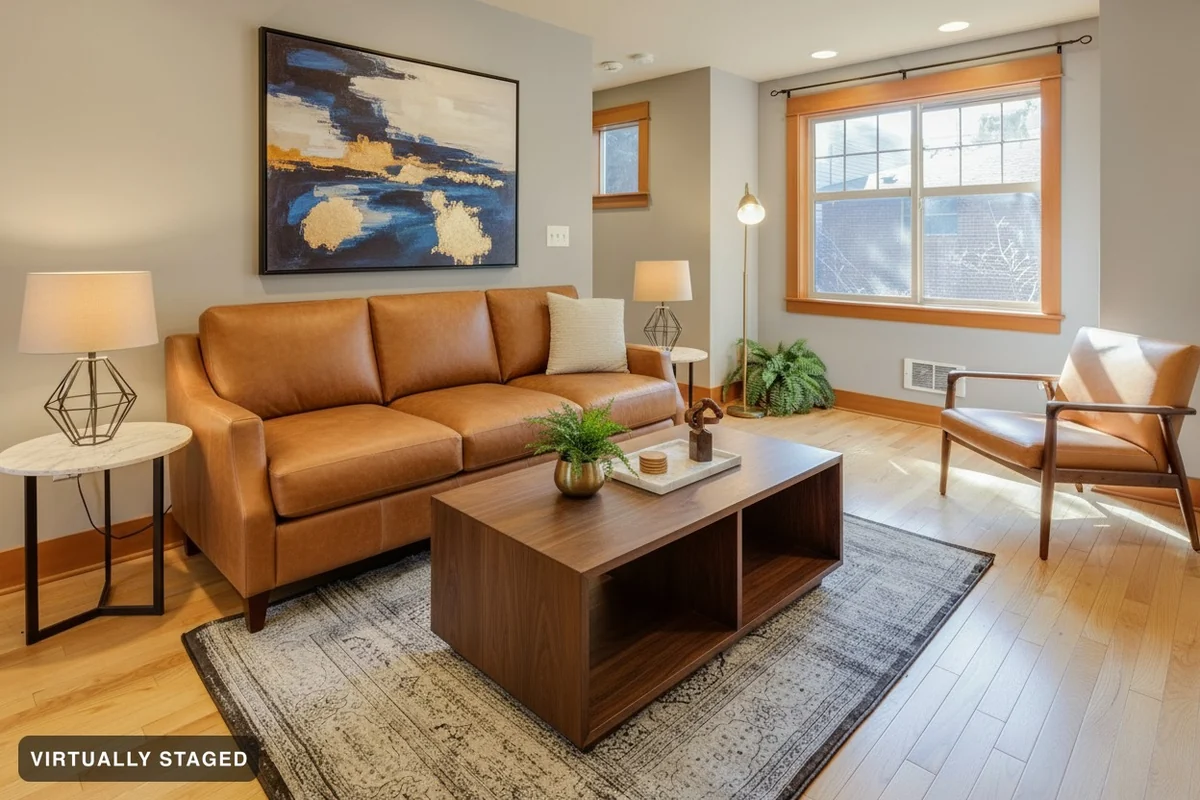
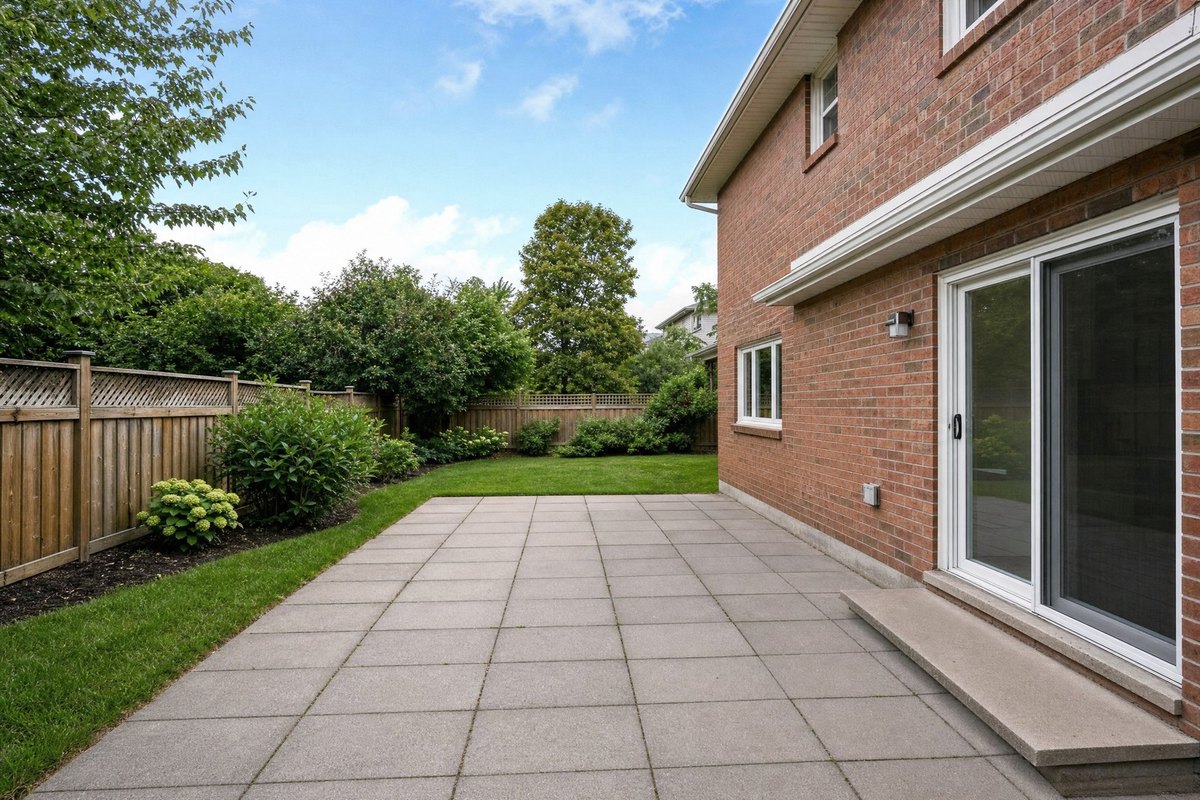
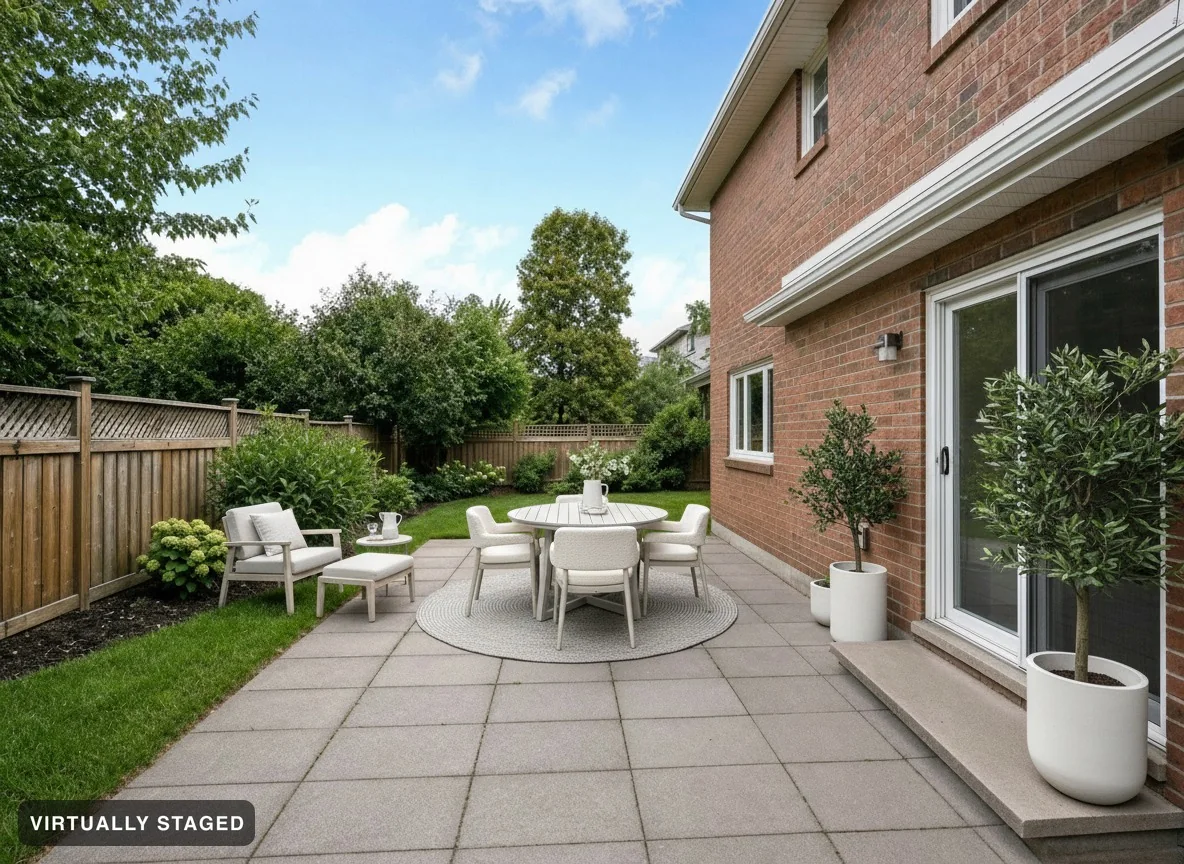
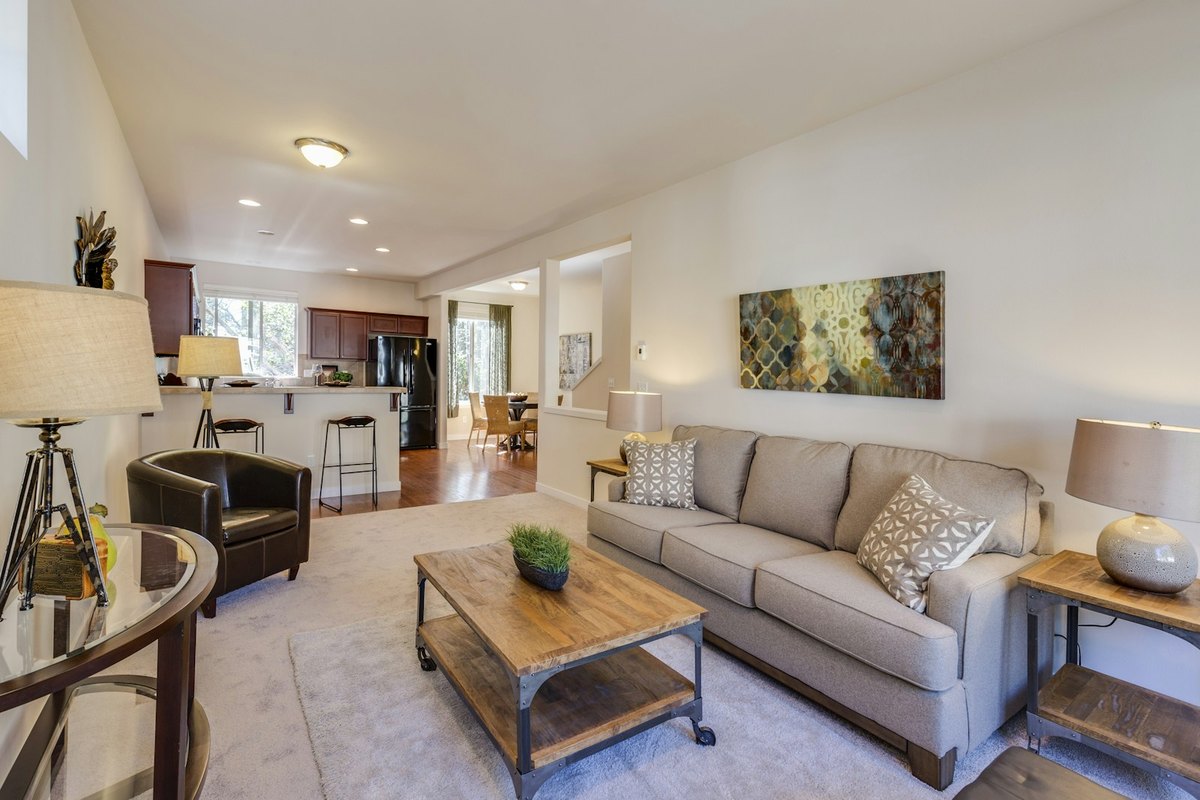
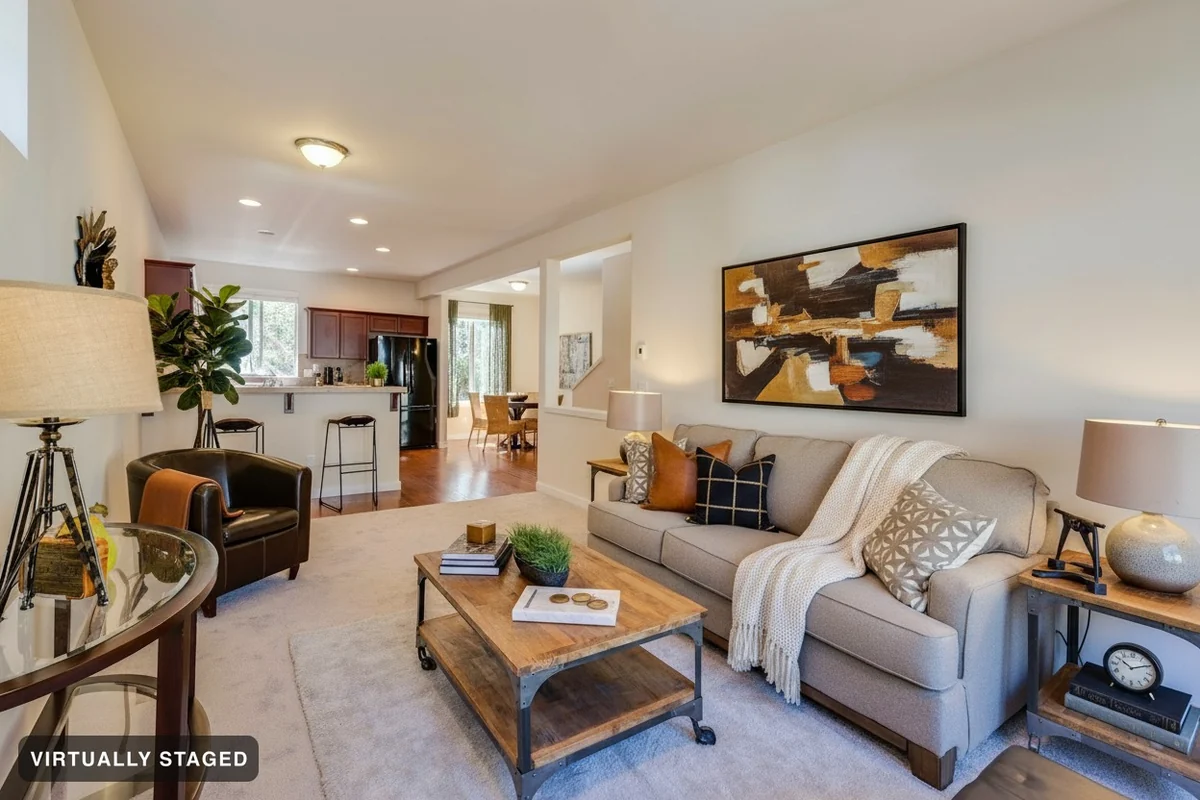
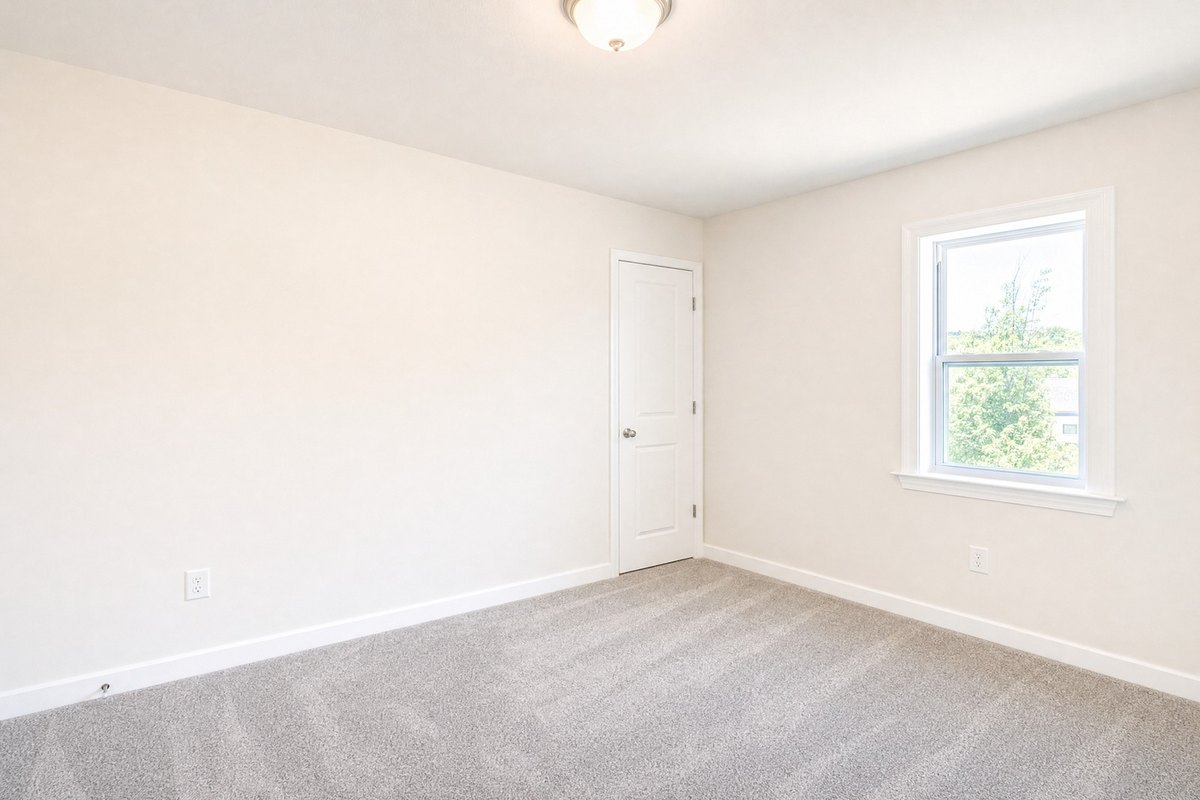
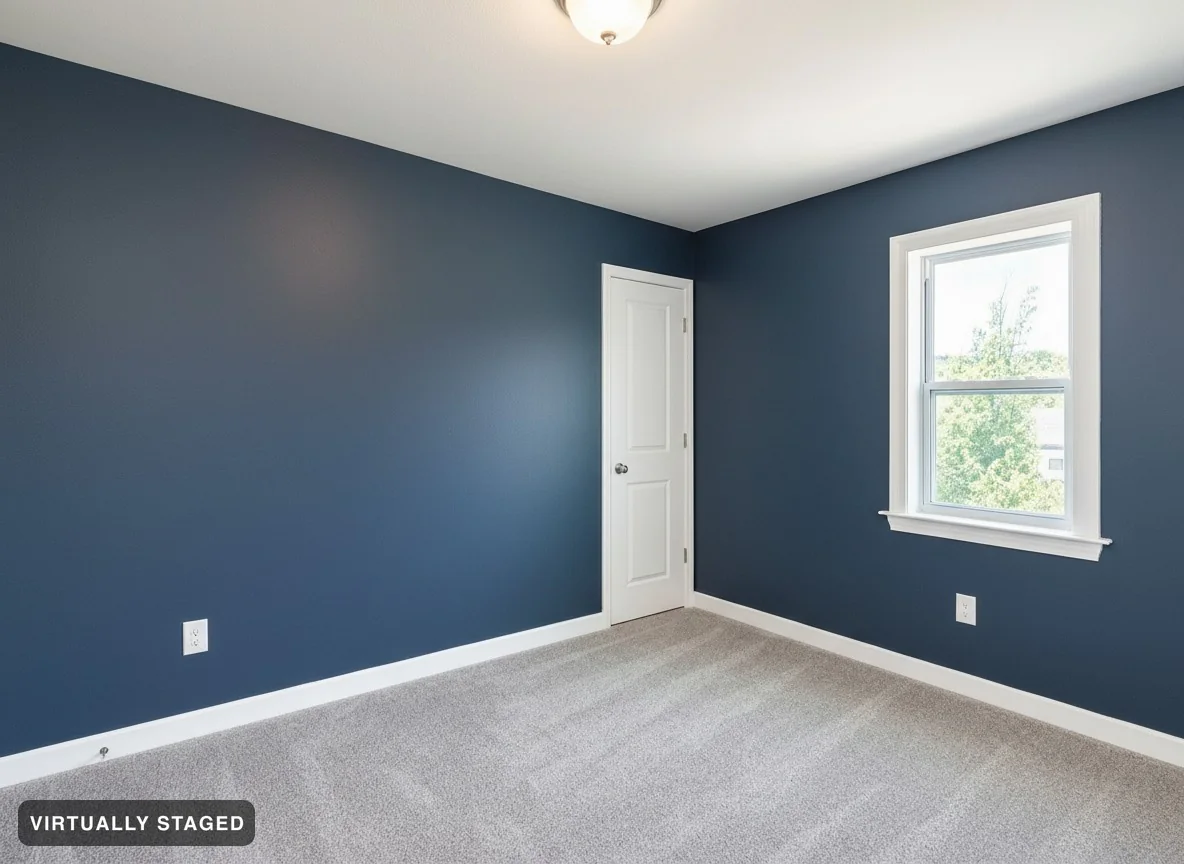
The living room exactly as photographed, unfurnished The same living room, virtually staged in Nordic Light Original Nordic Light · virtually staged
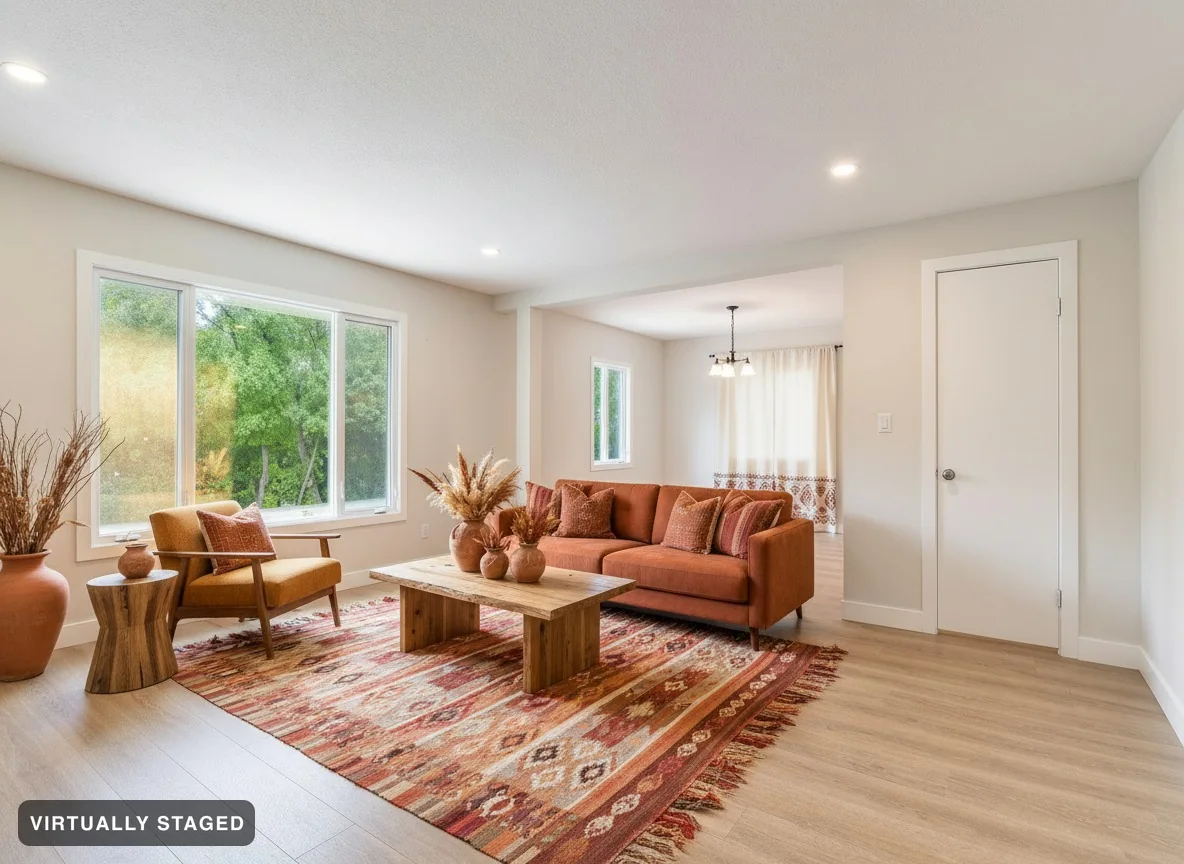
Your original stays included Checked against your original Listing images keep their label Photo sharing guide included

Watch how to create and check a staged photo.

See how Room Check compares the room.

Room Check compares the result with your original. It looks for changes to walls, windows, floors and fixed parts of the room. Failed checks lead to a retry or a visible failure. See all three →

✓failed checks are retried
2photos compared, every image
0unchecked images published

Choose what to change in your photo.

Drag the line to compare each example. Examples use stock photos or AI-made demo rooms. Compare both sides to see what changed. Pro subscriptions and Ultra subscriptions include client links with furniture changes, within your image budget.

We check the room before you share it.

Room Check compares each result with your original photo. It looks for unwanted changes to the property, like a missing door or a moved wall.

Original entry with an open staircase and a handrail Rejected AI result: the staircase was replaced by a wall and mirror Original photo Rejected: stairs removed
This result failed the check. The stairs were replaced with a wall. Room Check rejected it before it could be shared.
  1. Compare with your photo

    We look at the result beside the original, with your chosen changes in mind.

  2. Catch unwanted changes

    Walls, windows, doors and floors should not change when you add furniture.

  3. Try again if the check fails

    If the next checks still fail, we show a failure. We do not share the failed image.

AI can miss details. Review your result before you use it. Your original photo is always kept.

See more checked examples →

From your photo to a new look.

1

Upload your photos

Use photos from your phone or photographer. Choose the space and what to change. We check each photo before creating the image.

2

Pick a look

Browse styles for your space. Choose a look, then tell us what to keep. Each room gets furniture that fits its use.

3

Save or share your result

Paid downloads include high-resolution staged images and your originals. Pro subscriptions, Ultra subscriptions and one-property purchases also include a buyer page.

What comes with your images

Free includes 3 images total with Sedam branding. Pro subscriptions and Ultra subscriptions add buyer pages. Listing photos keep their label. Paid private projects can be made without it.

Every image checked against your original before it is shared
“Virtually staged” saved on the image — on every listing image, US and Canada
Your original photo saved with every result
Walls, windows, floors and built-ins checked against your original
A photo note ready to copy and a guide to California photo rules
Room art uses landscapes or shapes, without people
Buyer pages on Pro subscriptions and Ultra subscriptions — visitors do not need an account
Your photos stay yours. We never train on them or resell them

Who is Sedam Staging for?

Design your own space or prepare photos for a property listing. Choose the guide that fits your project.

Realtors & property managers

Stage listing photos, compare the result and save a labelled image.

  • Label on each listing photo; original kept
  • Buyer pages with Pro subscriptions and Ultra subscriptions; Ultra subscriptions add link activity
  • Photo note ready to copy
Try 3 images free →

Interior designers & stagers

Compare styles in your client’s room before buying furniture.

  • Furniture added — every result checked
  • Pro and Ultra subscriptions let clients try new looks within your image budget
  • Concepts clearly labelled
See how designers use it →

Homeowners

See your place restyled — or emptied — before you commit to anything.

  • Choose from furnished looks
  • Walls and windows checked against your photo
  • Free to try, no card
Try it on your room →

Planning a renovation

Explore what your space could become — clearly marked as concept.

  • A report of changes found
  • Concepts never mix with real photos
  • Discuss an idea before building
Explore concepts →

Sedam Staging vs. everything else

Compare the photos, checks, delivery and total cost for your listing.

The other options

What to check with any option

  • Compare walls, windows and floors with your original
  • Check how each tool handles changes to the room
  • Check the labels and original-file options
  • Check the terms — allowance resets and payment schedules vary
  • For physical staging, ask for a quote that includes setup, rental time and removal
VS
Best choice

Sedam Staging

  • Checks your walls, windows, floors and fixed cabinets
  • Checks every image and stops results that fail
  • A label on each property listing image with every plan
  • Choose when to pay — Personal subscriptions have weekly, monthly and yearly options. Pro subscriptions and Ultra subscriptions bill monthly or yearly
  • Create images for your property, from $29 per month

Compare every result with your original. See three images that failed our check.

Compare three ways to stage a room.

Hire a physical stager

$2,000–6,000
per property, plus monthly rental
  • Ask when setup is available
  • One look, and you’re committed to it
  • Real furniture at the showing

Use a free AI tool

$0
Time and results vary
  • Check for unwanted changes to the room
  • Check whether labels and originals are included
  • Review each image before you post it

Use Sedam Staging

$29 / month
100 images per month, 20 photos at a time
  • Choose the looks you want; each result is checked
  • Checked, labelled, original included
  • Buyer page included

Check the result before you share it

Use your own room photo. Compare the result, read the check, and keep the original.

1 · Compare

See what changed

Move the slider between your photo and the staged room. Look at the walls, windows and fixed parts of the room.

2 · Review

Read Room Check

We check each result before it can be shared. If the check fails, we try again or show a failure. Review each result yourself too.

3 · Share

Keep the real photo

Listing images keep the Virtually staged label. Keep the original with your files and check the rules where you post.

Choose a plan for your next project.

Design your own space with Personal subscriptions. Choose Pro subscriptions to share properties with clients, or Ultra subscriptions for more images and link activity.

Prices in CAD · Canadian dollars. Set for your location.

Everyone starts free. Three images, no card — just a sign-in so your work is saved. Pick a plan when you run out, and you keep everything you already made.

Need photos for one property? Pay once for up to 20 photos of one property. Includes high-resolution staged images, your originals and a page to share with buyers. No subscription.

Pro subscriptions and Ultra subscriptions: pay for a year and save 2 months. We show the cost per month; you pay the full year at once.

Personal subscriptions

$5.99 / week

Choose the time and images you need.

For your own space. Try new looks for your home or business.

  • 10 images each week
  • High-resolution staged images and your original uploaded photos
  • No Sedam branding; listing labels stay
  • Up to 10 photos at a time
Start free

3 free images. No card. Pay only if you choose a plan.

$5.99, charged every week until you cancel. Cancel in Billing before your next payment.

10 images reset every 7 days from the start of your plan. Unused images do not carry over.

For professionals

Pro subscriptions

$24.17 / month

$290 billed yearly · cost per month shown

2 months free · Save $58 a year

For work with clients. Real estate, interior decor, property management and more.

  • 100 images per month
  • Everything in Personal subscriptions, plus property photo files
  • A property link where clients can choose a photo and try new looks
  • Up to 20 photos at a time
Start free

3 free images. No card. Pay only if you choose a plan.

$290 a year. Renews until you cancel.

Ultra subscriptions

$65.83 / month

$790 billed yearly · cost per month shown

2 months free · Save $158 a year

For more projects. More images, plus tools to see how buyers use your shared pages.

  • 300 images per month
  • Everything in Pro subscriptions
  • Activity reports for your shared listing links
  • More images for your projects and client designs
Start free

3 free images. No card. Pay only if you choose a plan.

$790 a year. Renews until you cancel.

Any tax is shown before you pay. Yearly savings compare with 12 monthly payments. Weekly Personal subscriptions reset every 7 days. Monthly and yearly plans reset images on the 1st. Each new edit or look uses an image. Client images on Pro and Ultra use the same plan allowance; you set their limits. A one-property link is view-only. Listing images keep their disclosure label on every plan.

Questions

Is AI staging allowed on the MLS?

Rules vary by local real estate board. Keep the Virtually staged label and your original photo. Check your board’s rules before posting.

What actually gets checked, and what happens when it fails?

We compare each result with your original for changes to walls, windows, floors and fixed parts of the room. We retry failed checks. If an image still fails, we stop it and tell you. Review the result yourself too.

Can I remove the “Virtually staged” label?

Property listing photos keep the label on every plan. Personal subscriptions, Pro subscriptions and Ultra subscriptions can make private projects without it. Private projects cannot use buyer sharing or property photo files.

Do you keep my photos, or train on them?

We keep your original with the staged images so you can compare them. Your photos stay yours. We do not train models on them or sell them. See our Privacy Policy for storage and deletion details.

Is this a 3D tour?

No. Sedam Staging creates still photos. The current offer does not include videos, walkthroughs or 3D models.

Will this sell my listing faster?

We cannot promise a faster sale. Sedam helps you show room ideas and compare them with the real photos. Pro subscriptions, Ultra subscriptions and one-property purchases include buyer sharing.

Try it with your own photo.

Try 3 images free, with no card. Compare each result with your original before you use it.

Try 3 images free