Sedam Staging vs HomeDesigns.ai
Choose Sedam Staging when you want a clear path from a room photo to checked decorating ideas and downloads. HomeDesigns.ai offers a broad set of interior, exterior and garden design tools.
Try 3 images free How we check photos3 free images total. No card · no monthly reset · listing images keep their label.
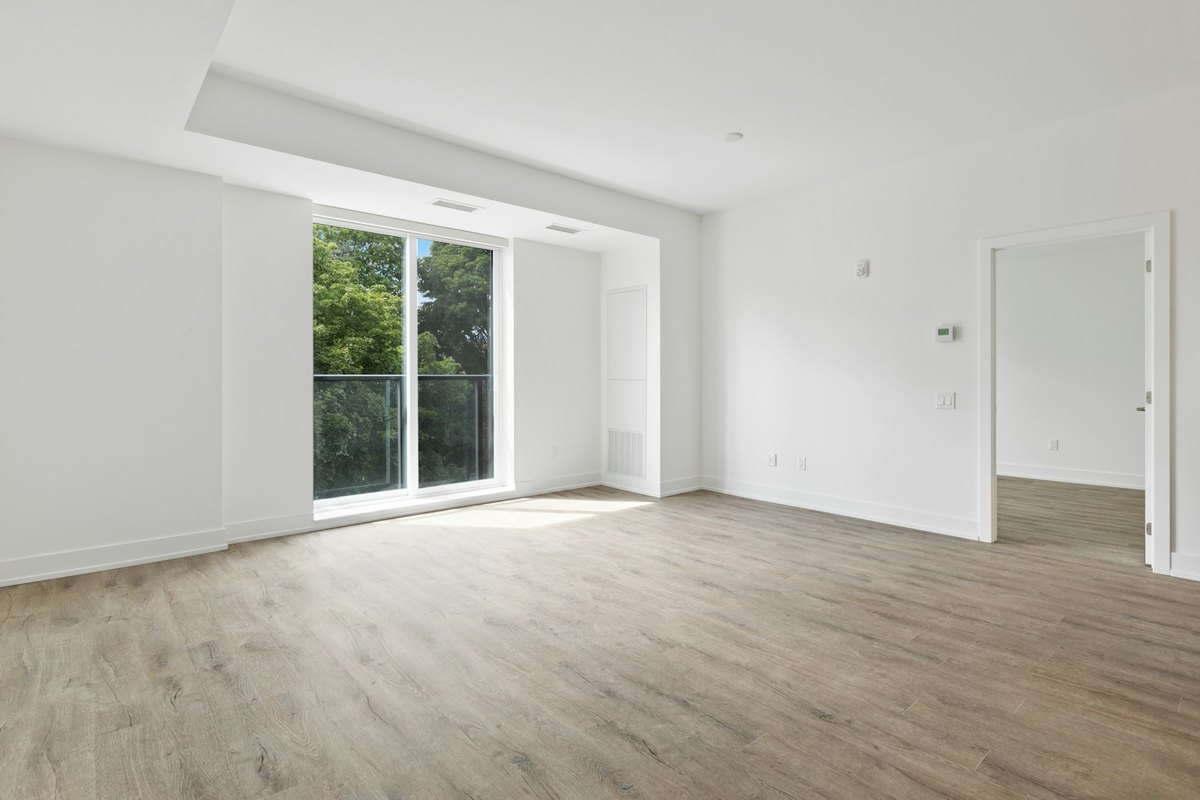
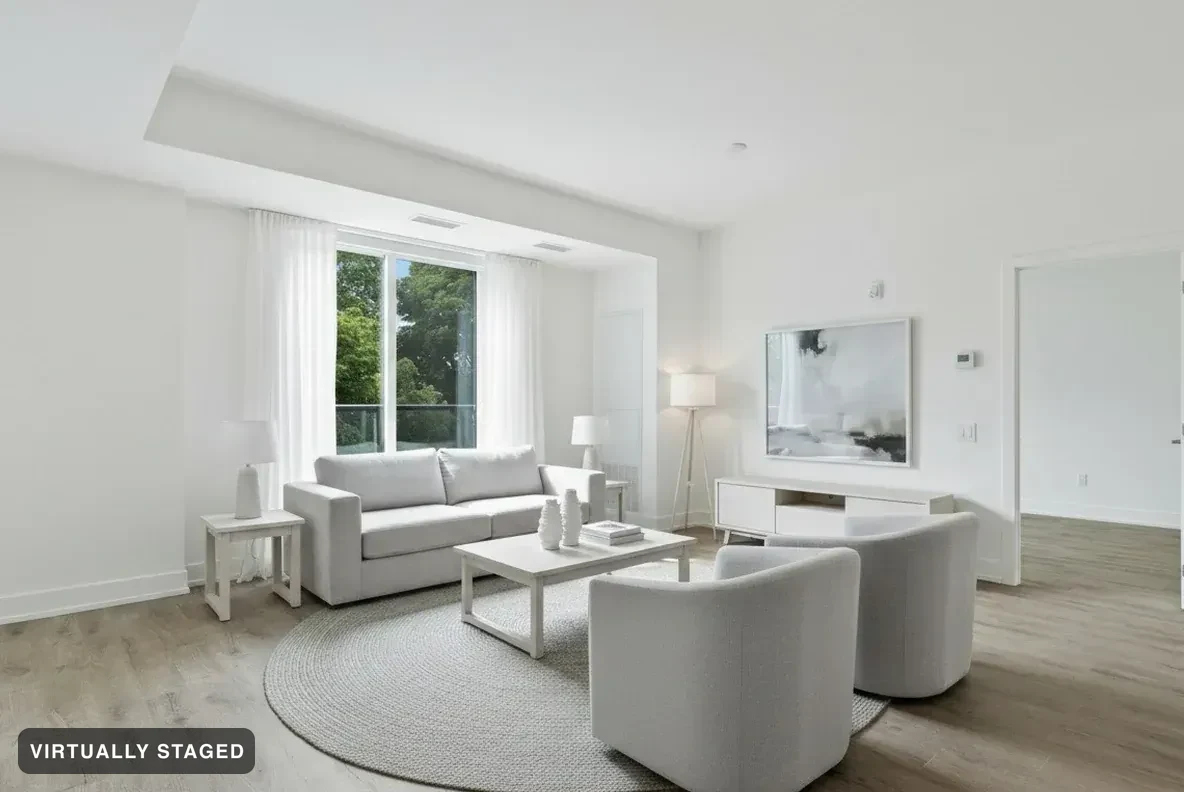 OriginalNordic Light · verified
By Sedam Intelligence, maker of Sedam Staging. Sources checked 24 September 2026. This is our own comparison, not an independent review. We reviewed the other product’s public pages; we have not tested its paid tools. Features and prices can change.
Why choose Sedam for a listing workflow?
Sedam keeps the purpose of the image clear. “For a property listing” keeps the staging label and original photo. Renovation ideas have their own area and cannot be shared as listing photos. This helps you keep design ideas separate from pictures used to market a real property.
Room Check compares the result with the original and your requested change before the result is shown. It retries or refuses failed checks. You can also see published examples of refused images. Review the original and result yourself too.
What HomeDesigns.ai offers
The official HomeDesigns.ai website describes room, exterior and garden redesign, empty-room staging, object edits and furniture shopping. It also advertises tools for video and floor plans. Its page says it keeps the real room’s walls, windows and dimensions. We have not tested that claim or its private checking process.
Choose based on what you need next
If you need a wide range of design and planning outputs, compare HomeDesigns.ai’s current plan details. A tool being listed on a page does not tell you its limits in the plan you buy.
Use Sedam to try looks from your own photos and compare each result with the original. Paid plans include high-resolution downloads. Pro subscriptions, Ultra subscriptions and one-property purchases also include listing downloads with disclosure labels and originals.
A simple test for a home buyer
Start with one living-room photo and request a furniture change. Compare the real doorways and windows in the original with the result. Then judge the new furniture. For that focused task, Sedam offers 3 free images total, with no card. See the current plans if you need more.
Sedam is not a measured floor-plan or construction tool. We are not claiming more features, a larger style library or better image quality than HomeDesigns.ai.
How to compare results fairly
Use the same room photo and ask for the same change in each tool. Keep the original beside the result. Check doors, windows, room edges and fixed fittings. Then look at furniture size, clear walking space and the style you asked for. One good sample does not prove that every result will work.
Sedam’s decorating tools check results against the original and the change you asked for. Failed checks lead to a retry or a visible failure. Review both photos yourself too. Room Check is not a promise that a listing meets every local rule.
For your own ideas or a property listing?
You can use Sedam to picture a home you are considering, plan a move or refresh a room. Listing images keep a virtual staging label and the original photo. Private designs cannot be shared through buyer listing pages. Renovation ideas are separate and cannot be used as listing photos.
Compare the result on your own photo
Features and terms can change. Check the official HomeDesigns.ai site and review the photos each tool makes. Our public-page review does not establish how another company checks images internally. See examples Room Check refused →